
What do brake rotors do?
Posted by Jason Siu on 29th Oct 2025
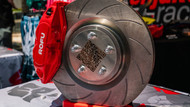
Brake rotors are the metal discs that spin with your wheels. When you press the pedal, your pads clamp the rotors and the friction slows the car. Rotors are the stage where all that braking heat gets created and managed. If the rotors are healthy and the pads are making even contact, you get a solid pedal, smooth stops, and consistent performance.
How rotors fit into the system
Press the pedal, hydraulic pressure pushes the caliper pistons, pads squeeze the rotor, and the car slows down. The rotor’s job is simple on paper. In the real world, it has to accept heat, spread it out, and get rid of it fast enough that you keep bite and control from one stop to the next.
What rotors handle for you:
-
Heat absorption and dissipation: Rotors soak up energy from each stop, then shed it to the air.
-
Friction surface: A flat, even face lets pads work the way they are designed to.
-
Pedal feel and consistency: A stable rotor surface helps you avoid pulsing and shudder.
How long do rotors last?
There is no single mileage number. Rotor life depends on driving style, vehicle weight, pad compound, and environment. Lots of city miles, towing, mountain roads, and frequent hard stops wear rotors faster. Inspect them when you service pads and anytime you notice new noises or vibration.
Signs your rotors may need attention
-
Vibration or pulsing under braking: Often caused by thickness variation or uneven pad material on the rotor face. A proper inspection will confirm.
-
Scoring and grooves: Deep lines suggest debris or metal on metal contact.
-
Blue spots or heat checking: Overheating can change the rotor surface and reduce performance.
-
Corrosion on the faces: Surface rust from rain or a wash usually cleans off with a few stops. Heavy rust pitting is a different story and may require replacement.
-
Increased stopping distances or a changing pedal feel: Could be rotors, pads, or a hydraulic issue. Do not ignore it.
Quick visual check
Look through the wheel spokes or pull the wheel. You want clean, even faces without deep grooves or cracks. Measure thickness against the minimum spec stamped on the rotor or listed in the service info. If you are below the minimum, replace the rotor.
Resurface or replace?
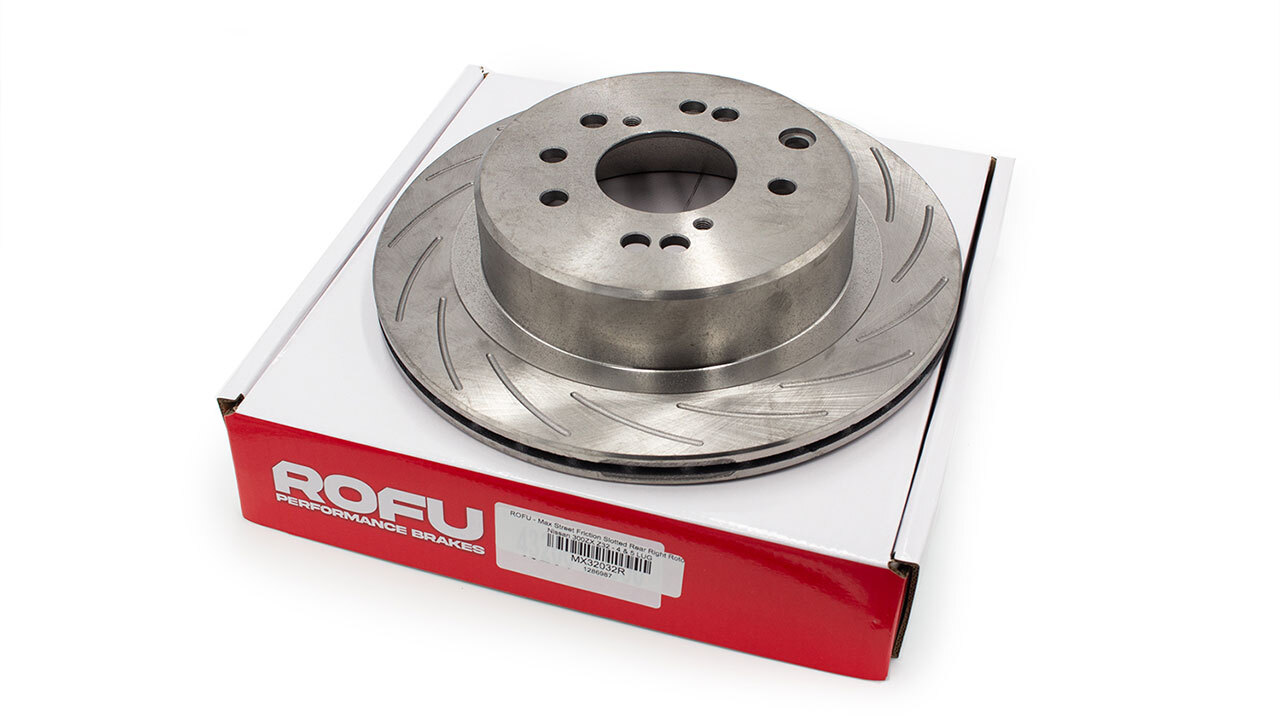
Light surface issues can sometimes be corrected with a machine cut if the rotor will remain above the minimum thickness. Many owners choose to replace rotors during a pad change to avoid a second round of labor and to get a fresh, even surface for the new pads. Replace immediately if the rotor is below minimum thickness, cracked, or heavily heat checked.
The “warped rotor” myth, in plain terms
Most pedal shake is not a rotor that bent like a potato chip. It is usually uneven material on the rotor face or thickness variation measured in tiny amounts. Proper pad bedding, clean hub faces, correct torque on lug nuts, and healthy caliper hardware help prevent it.
Bedding in new pads and rotors
A short, controlled break in creates an even transfer layer on the rotor, which helps bite and consistency.
-
Use a safe, empty road.
-
Do several moderate stops from neighborhood speeds to warm things up. Avoid sitting still with the pedal pressed hard.
-
Drive a bit to let everything cool down.
Follow any instructions that came with your parts.
Everyday habits that help rotors last longer
-
Brake smoothly and look ahead. Less heat, less wear.
-
Torque wheels correctly. Uneven torque can contribute to vibration.
-
Keep hubs and rotor hats clean. Rust and debris between the hub and rotor can create runout.
-
Rinse after winter roads or beach trips. Salt speeds up corrosion.
-
Service hardware. Free moving guide pins and clean pad abutments keep pressure even.
Safety notes
If you hear grinding, feel strong vibration, notice fluid leaks, or the car pulls to one side when braking, stop driving and get an inspection. Brakes are safety critical. If you are not sure about a step, talk to a qualified technician.